GSi Burn Studio – The ultimate Spin FV-1 emulator
In 2013, GSi, in collaboration with Crumar, introduced
BURN, a digital multi-effects unit focused primarily on rotary-speaker simulation—the sound of the classic rotating
Leslie speaker cabinet. It also included other effects such as chorus, phaser, delay, reverb, static amplifier simulations, and more.
The GSi BURN was manufactured from 2013 to 2017, selling just under 700 units. It was discontinued after some electronic components suddenly became unavailable and the prices of others rose sharply. Technically, BURN was built around two processors: a Microchip PIC18F4620 CPU handled MIDI, the display, panel controls, presets, and so on, while audio processing was handled by the
Spin FV-1.
The Spin FV-1, which is still in production today, is a DSP ASIC designed specifically for audio effects. It was originally designed by the late Keith Barr, founder of MXR and Alesis. Barr invented the “reverb ring” algorithm, created famous reverb units such as the Midiverb and Quadraverb, and was also the inventor of the well-known ADAT digital multitrack recorder, as well as an expert in FPGAs and ASIC design. You could say that the Spin FV-1 was one of his final creations before his passing in 2010.
The Spin FV-1 is a single-chip integrated circuit that combines a floating-point processing unit, a small ROM containing eight effect algorithms, a 24-bit stereo ADC and a 24-bit stereo DAC. It can also be connected to an I²C EEPROM, a BCD encoder for selecting programs, and three potentiometers for adjusting parameters. It was originally developed as a low-cost OEM solution for adding effects to amplifiers, mixers, and other audio equipment. It became very popular in the guitar-effects market, mainly because of its low cost, straightforward circuit design, and easy algorithm development. Programming was made more accessible by its very compact instruction set—just 128 instructions per program—a freely downloadable compiler, and an affordable development board.
These were the reasons we chose this processor for the BURN project. At first, we weren’t entirely sure that it would be possible to run a complete Leslie effect using only those 128 instructions. But with some study and a great deal of dedication—in the days long before artificial intelligence—we succeeded, and in fact went well beyond our original goal.
Whenever a new algorithm was selected on the BURN’s display, its compiled binary, stored in the PIC firmware’s program area, was transferred by the PIC to the EEPROM. The FV-1 was then instructed to load the new program. The Spin’s three potentiometers were controlled using three Analog Devices digital potentiometers. For additional parameters, we used a rather clever trick: the programs were written in a carefully planned instruction order, allowing individual instructions to be replaced in order to change the values of specific registers—for example, the Leslie rotor speeds and acceleration or deceleration ramps. This meant that each of BURN’s 25 effects offered three continuously adjustable parameters, plus a number of discrete parameters that varied depending on the effect.
In 2026, we decided to revisit much of the work behind the GSi BURN and bring these algorithms to a modern plug-in format. To do so, we developed a complete Spin FV-1 emulator that can compile and execute original SpinASM projects, as well as decompile and run .bin and .hex files.
The standard BurnStudio library includes some of the original GSi BURN algorithms that users enjoyed most. You can also create new effects by entering SpinASM code directly in the built-in editor, which provides error checking and syntax highlighting. Alternatively, you can load .spn, .asm, .bin, or .hex files available from the many websites offering free Spin FV-1 effects.
Here are a couple of useful sources:
-
The original repository, which includes some programs written by Keith Barr himself.
-
A more recent repository collecting many programs contributed by users and enthusiasts.
Using GSi BurnStudio – Quick Start Guide
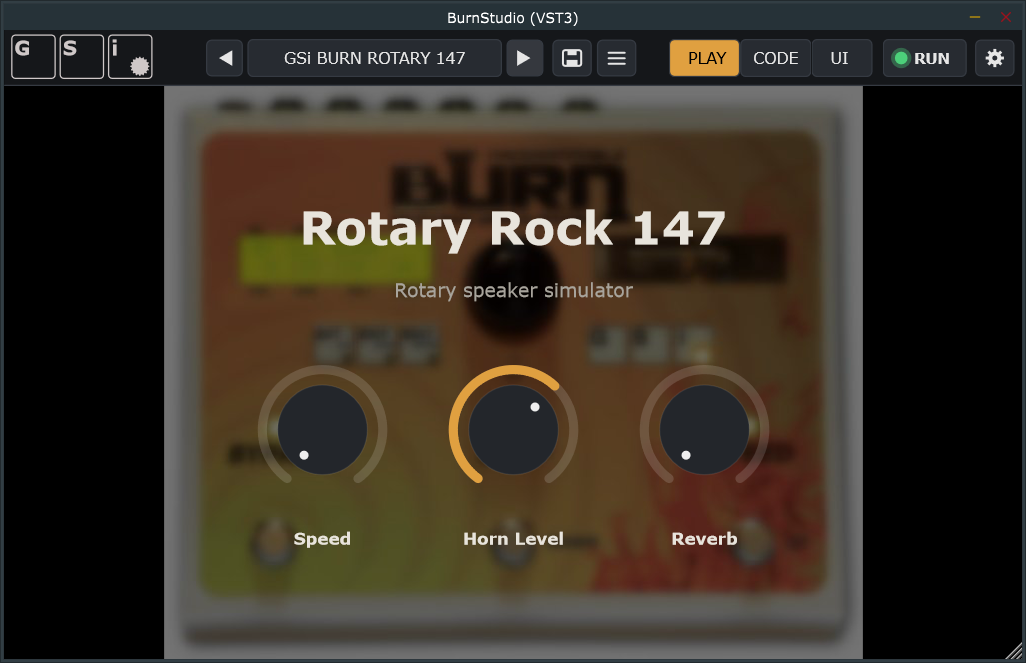
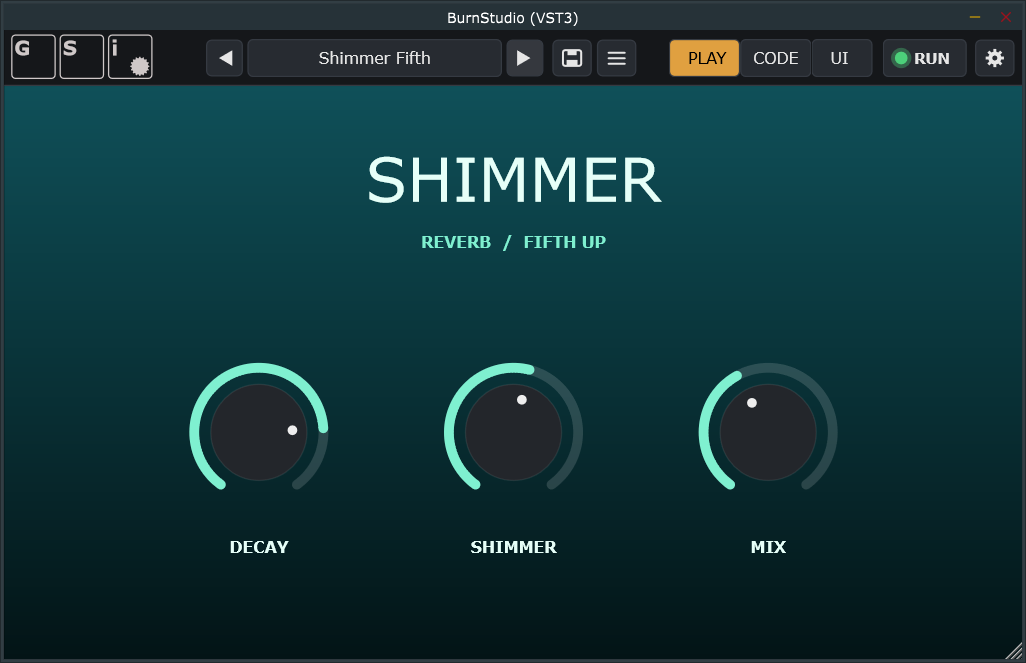
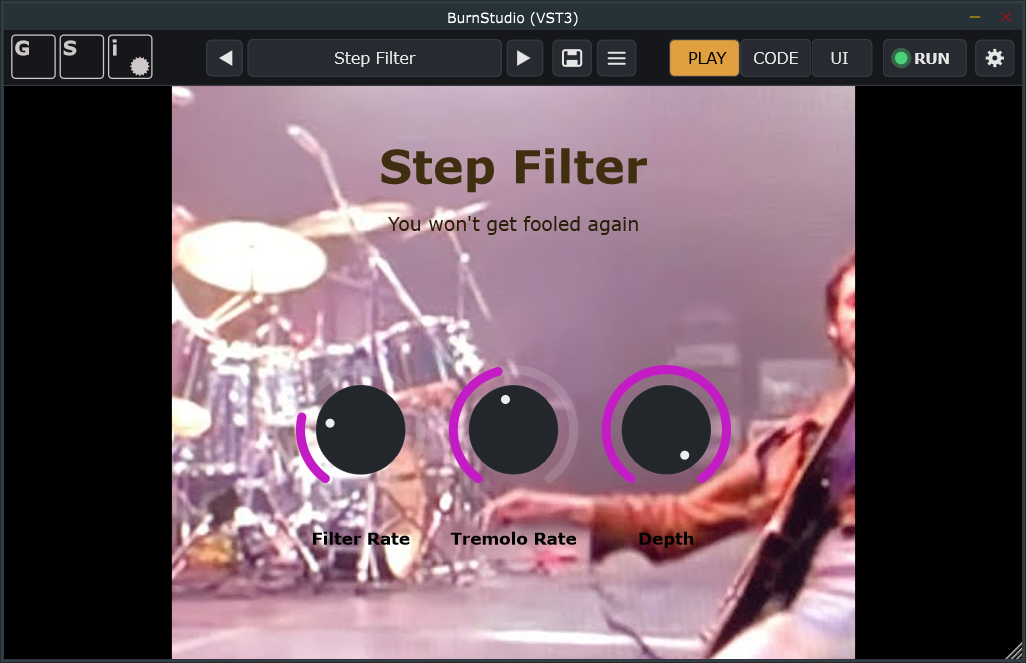
If you simply want to use the effects, getting started couldn’t be easier. You can change presets by selecting them from the list or by using the previous and next buttons. Each effect has its own interface, with three knobs whose labels and functions change according to the selected effect.
Using BurnStudio as an effect processor is free of charge, you don't need a license for that.
If you’d like to customise effects, BurnStudio provides the CODE and UI tabs.
These features can be unlocked by entering a valid license code.
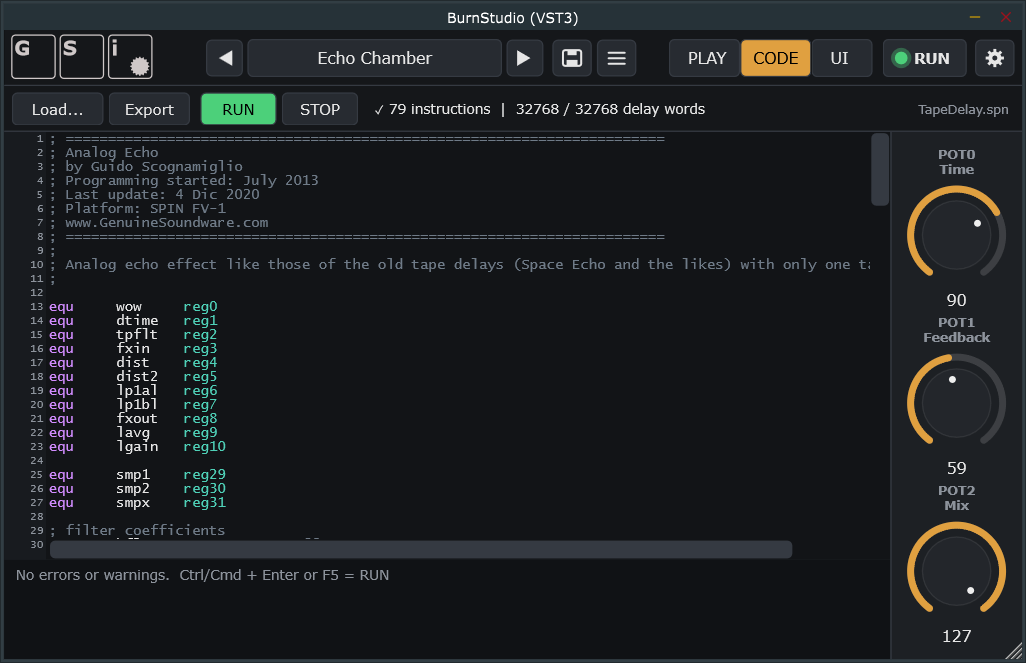
In the CODE tab, you can write the algorithm’s source code using the Spin FV-1 assembly language. Whenever you change the code, simply press RUN to activate your changes. If something goes wrong, press STOP to stop the sound.
Use
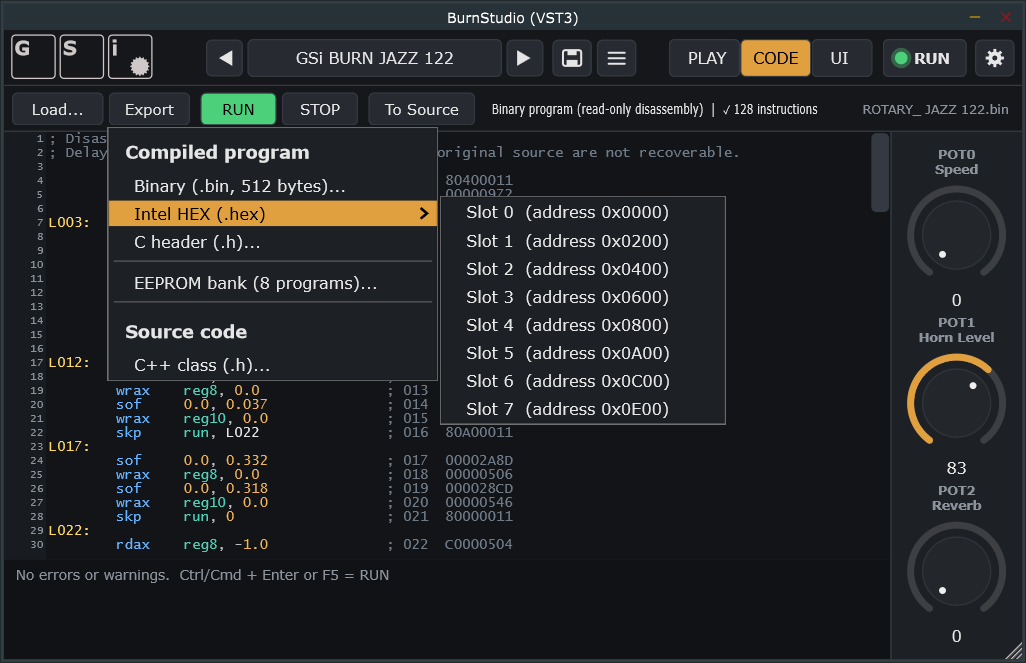
Load to open an existing file. Source files are loaded as they are and can be run as long as they contain no errors. Any errors will be reported. Precompiled files (.hex or .bin), on the other hand, are decompiled and displayed as assembly source in read-only mode. Press
To Source to enable editing of the source code.
Use the
Export button to export as a compiled .bin or .hex file to download in a 24LC32 EEPROM for the real FV-1 platform. You can also export a complete C++17 class that replicates the effect in a C++ code. If you're a developer, you know how to use it.
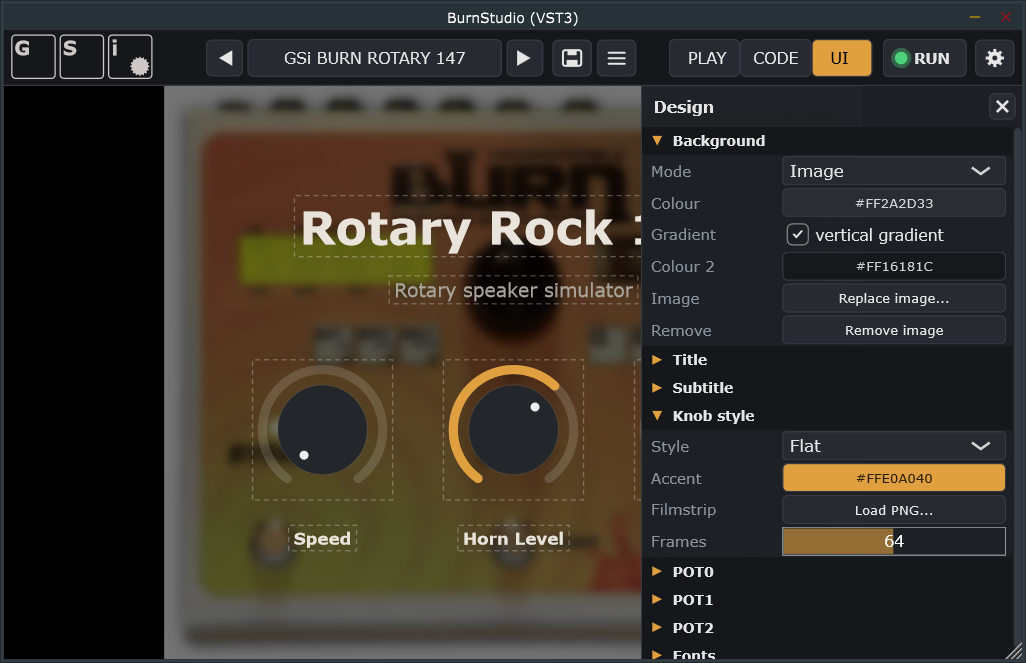
In the UI tab, you can customise the graphical interface: choose a background (a solid colour, a gradient, or an image), set a title and subtitle, and customise every aspect of the three knobs, including their labels, positions, sizes, colours, and styles.
Clicking the Programs menu opens the file menu. Choose Save As to save under a new name, or Save to overwrite the current program. You can also export and import programs to share them with other GSi BurnStudio users.
PLEASE NOTE: There's no affiliation between GSi and Spin Semiconductor. Any trademarks used in this document belong to their respective owners and are used here only for reference purposes.